
Why Turn Sketches Into Photorealistic Images?
Sketches communicate intent, but most decisions by buyers, clients, and internal teams are made based on realism.
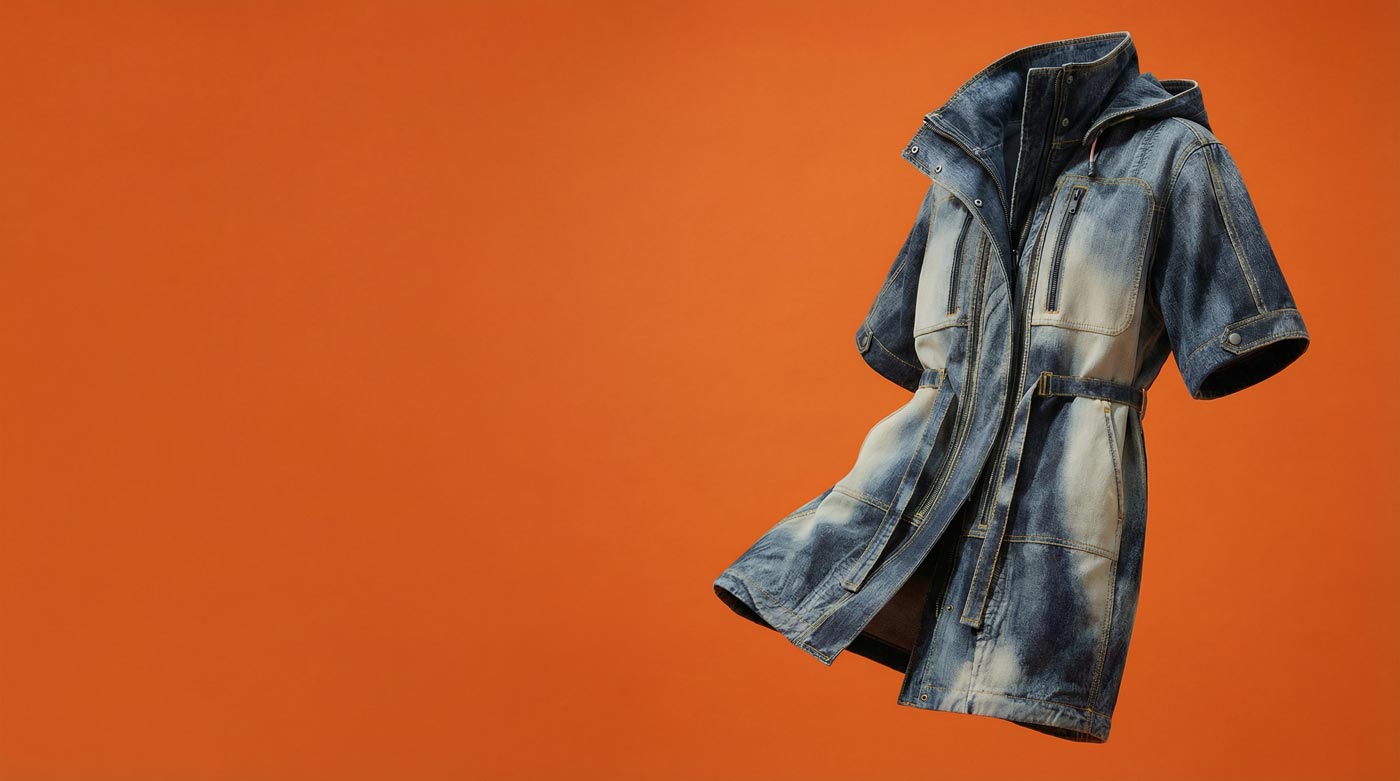
1. Decisions Are Made Visually
Photorealistic images help by:
Showing fabric behavior, texture, and fit
Making proportions and details immediately understandable
Reducing guesswork and subjective interpretation
Result: Faster approvals and fewer late-stage changes.
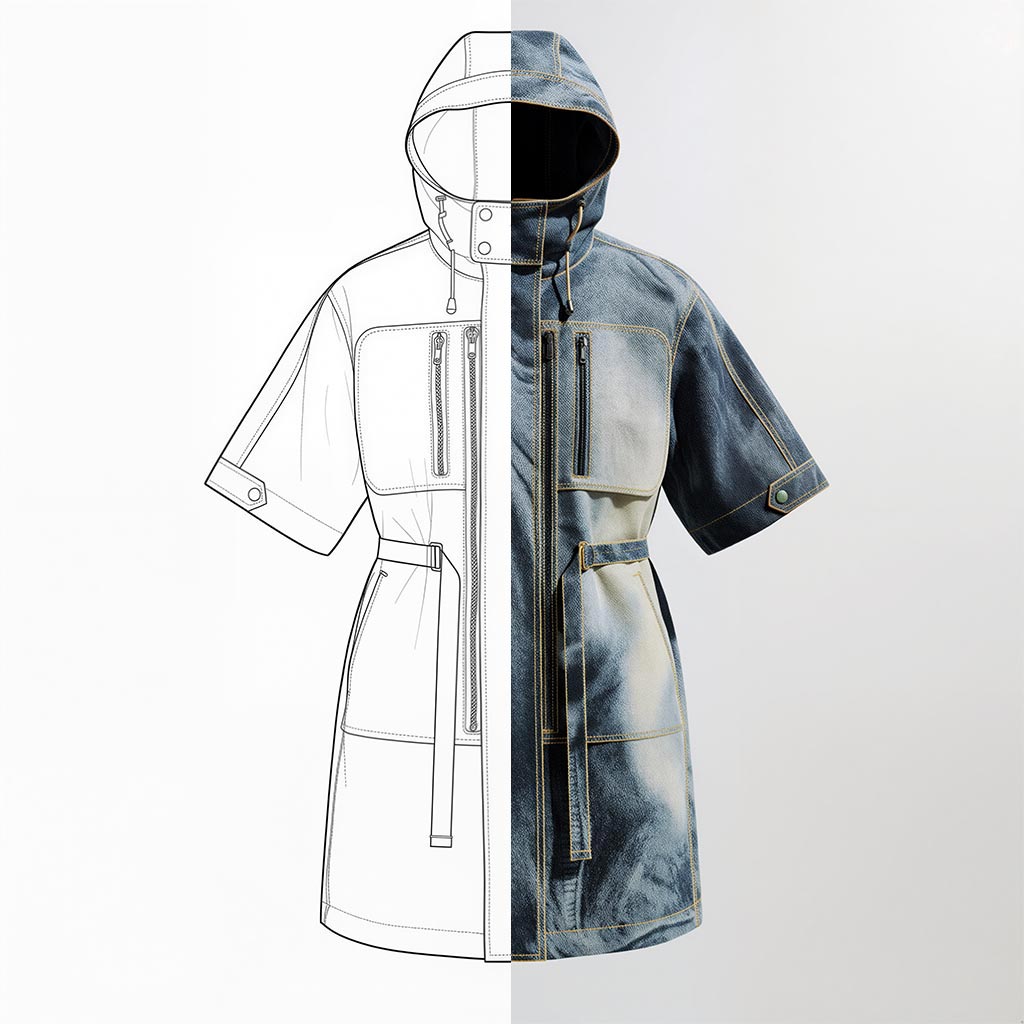
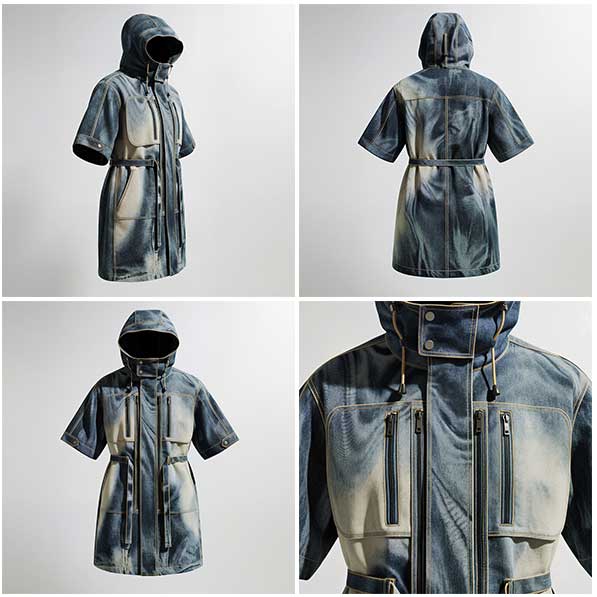
2. Fashion Is Presented Before It Exists
Designers are expected to sell ideas before garments are produced.
Present collections before samples are made
Pitch concepts with confidence to buyers and stakeholders
Validate designs early without physical production
Result: Smoother collaboration and stronger buy-in.
3. Creative Control Should Stay With the Designer
Traditional workflows require handing sketches off to illustrators, 3D artists, or photographers.
Control the final look without translation loss
Iterate instantly instead of waiting on others
Adjust fabrics, colors, and styling on demand
Result: Creative intent stays intact from start to finish.
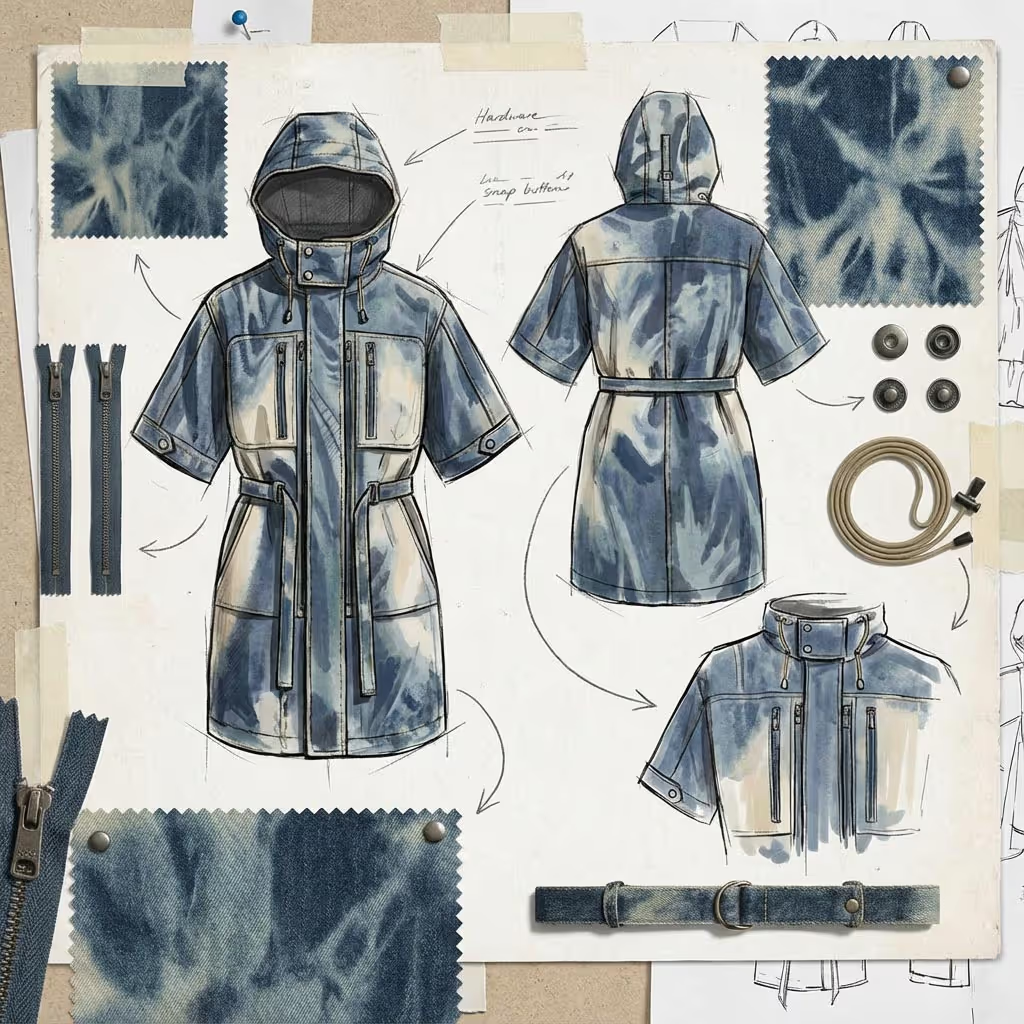
Designed for Modern Fashion Workflows
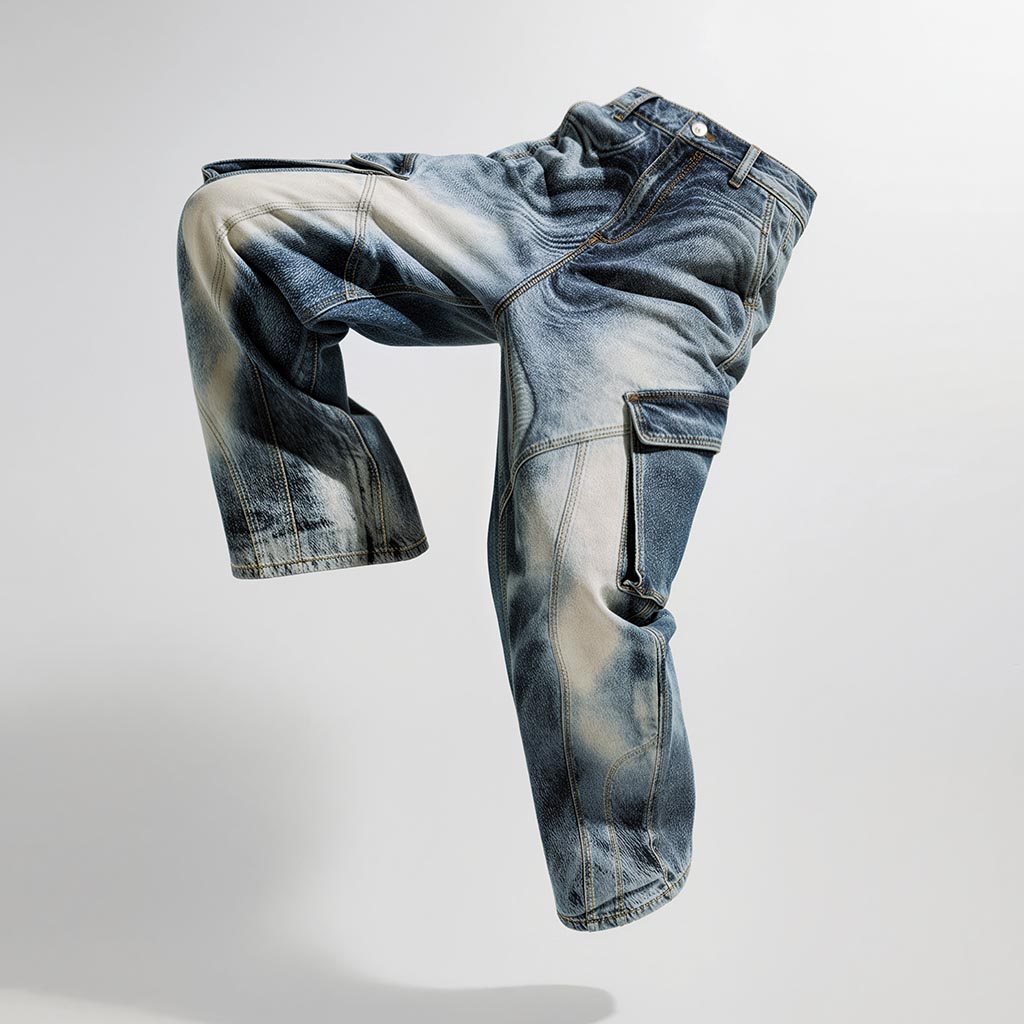
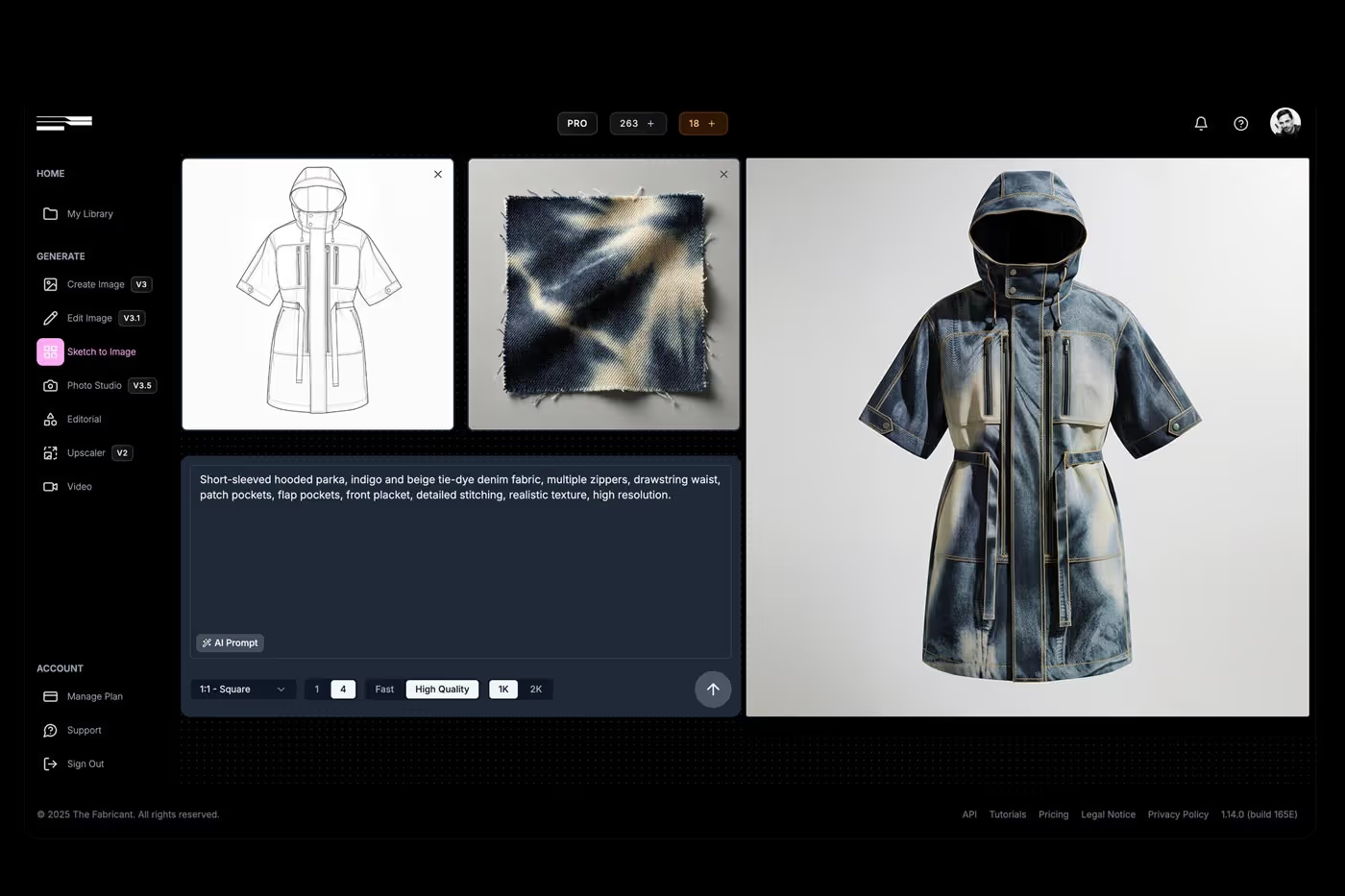
Sketch-to-image technology supports how fashion is designed today. Fast, collaborative, digital-first. Upload your sketch and refine with reference images, advanced settings, and AI assistance for detailed outputs.
Sketch-to-Image FAQs
Here are some common questions about our Sketch-to-Image tool
Black and white outlined hand-drawn, digital, rough, or detailed sketches produce best results.
Yes, you can. However we recommend using the Edit Tool when wanting to maintain the color accuracy of the sketch. The sketch-to-image tool is best used to get the shape, drape and fit right. For materials, colors and other details use the Edit Tool.
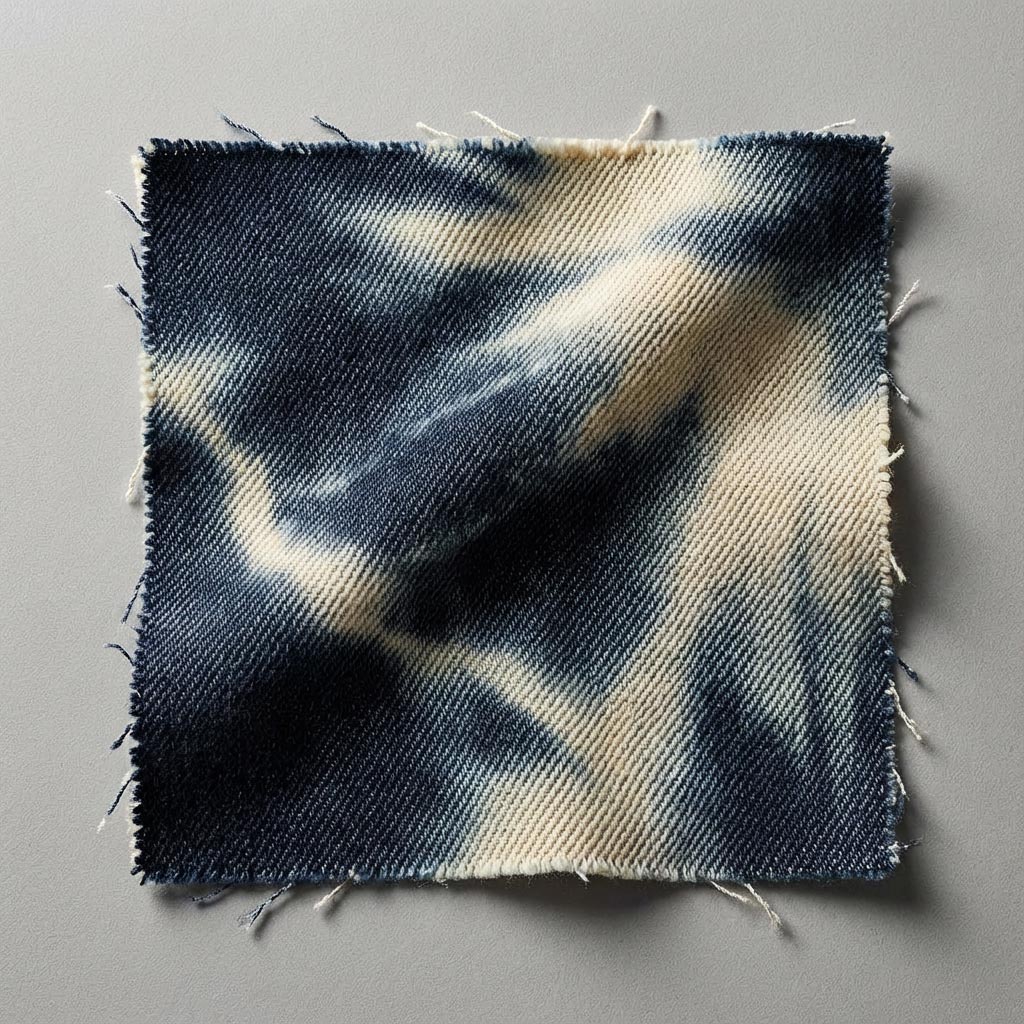
Use reference images for materials and color.
No. Our tools are designed to be intuitive for all level of users. However, a strong foundation in garment construction will be beneficial.
Visit our blog for guidance in writing a variety of prompts.
Essentially, yes. The sketch-to-image is a powerful tool that can be used to express a design vision effectively with internal and external teams. Future-forward fashion brands, manufacturers and designers are using The Fabricant Intelligent Tools to increase clarity in visuals, speed in the process and cost reduction by reducing mistakes in communication.
Use the reference image to generate accurate prints, colors and patterns. For accuracy of positioning, scaling and rotating these use the Edit Tool in High Quality mode. This gives you access to the print placement tool by pressing the pen icon at the bottom right corner of the reference image.
Yes, paying subscribers have full ownership rights to use their images as they wish. Please review the terms and conditions here a deeper understanding.
Each generation typically costs one (1) credit. However when generating in High Quality mode this will cost two (2) credits regardless of the resolution whether 1K or 2K. 1K refers to pixel resolution 1024 x 1024px and 2K 2048 x 2048px
This depends how many images you want to create in a month. See whether Free (3 daily credits), Basic (100/month), Pro (350/month), or Premium (1500/month) fit your needs. You can always upgrade, downgrade or cancel your subscription at any time in the 'Manage Plan' section.
Still have questions?
We're here to help you!
Ready to transform your workflow?
Join fashion professionals who are already designing faster and smarter with AI.